 Meteopolis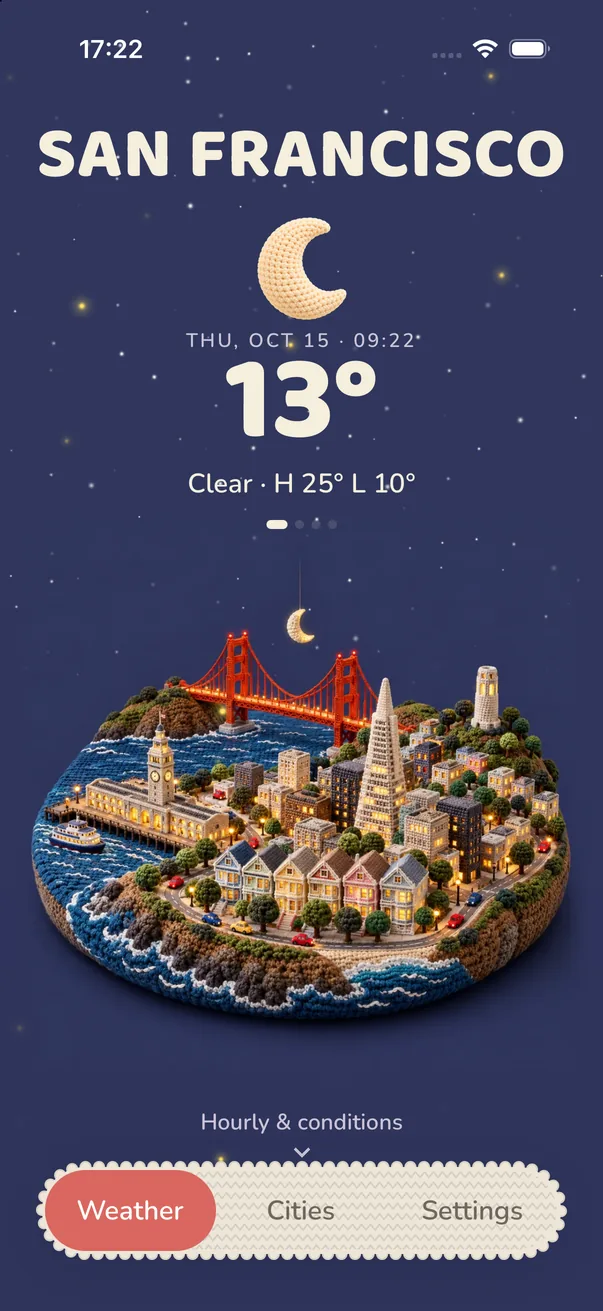
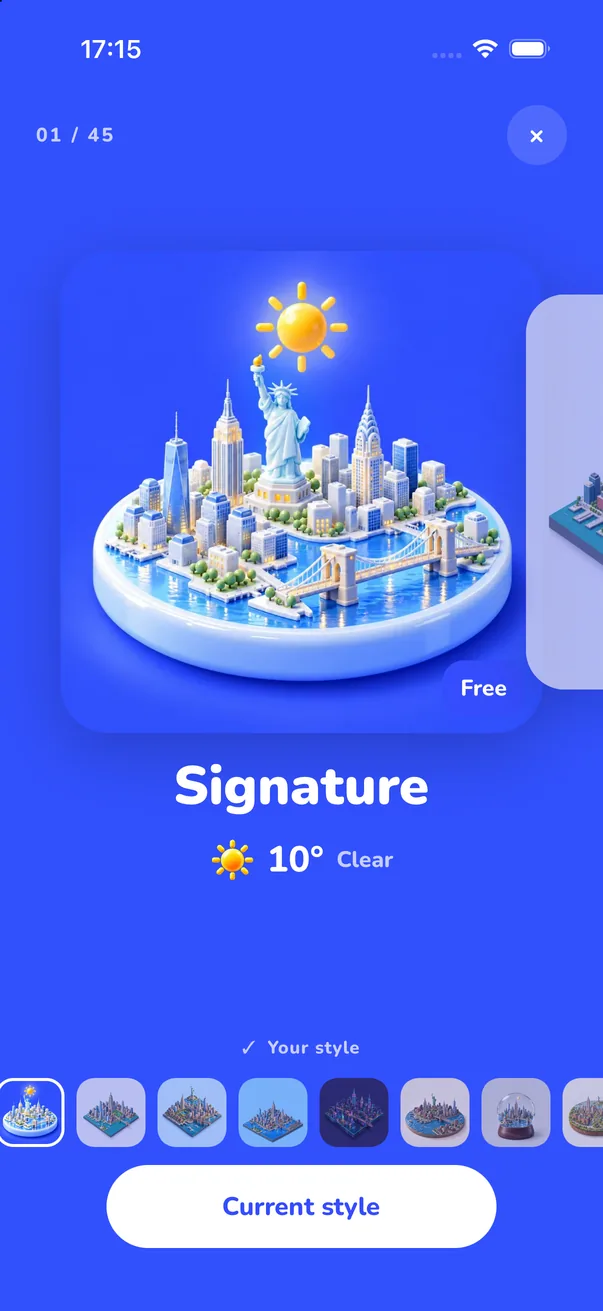
Meteopolis shows any city in the world as an isometric miniature diorama, with its recognisable landmarks on a round or square base, and redraws it for the current weather and time of day. You can view the same city in 45 styles, from Signature and Low Poly to Blueprint and Study Model.
Why isometric?
An isometric view shows a city from above at a fixed angle, with no vanishing point, like a model on a table. It makes a whole skyline readable on a phone screen: you can see the river, the bridges and the landmarks at once. Architects use it for study models, and game designers for city builders. Meteopolis uses it to turn a forecast into a place.
Any city, with its landmarks
Search any city and Meteopolis builds a miniature with the things people recognise it by: the Golden Gate in San Francisco, the Kremlin and Saint Basil's in Moscow, the Statue of Liberty in New York, the coastline and monument in Dakar.
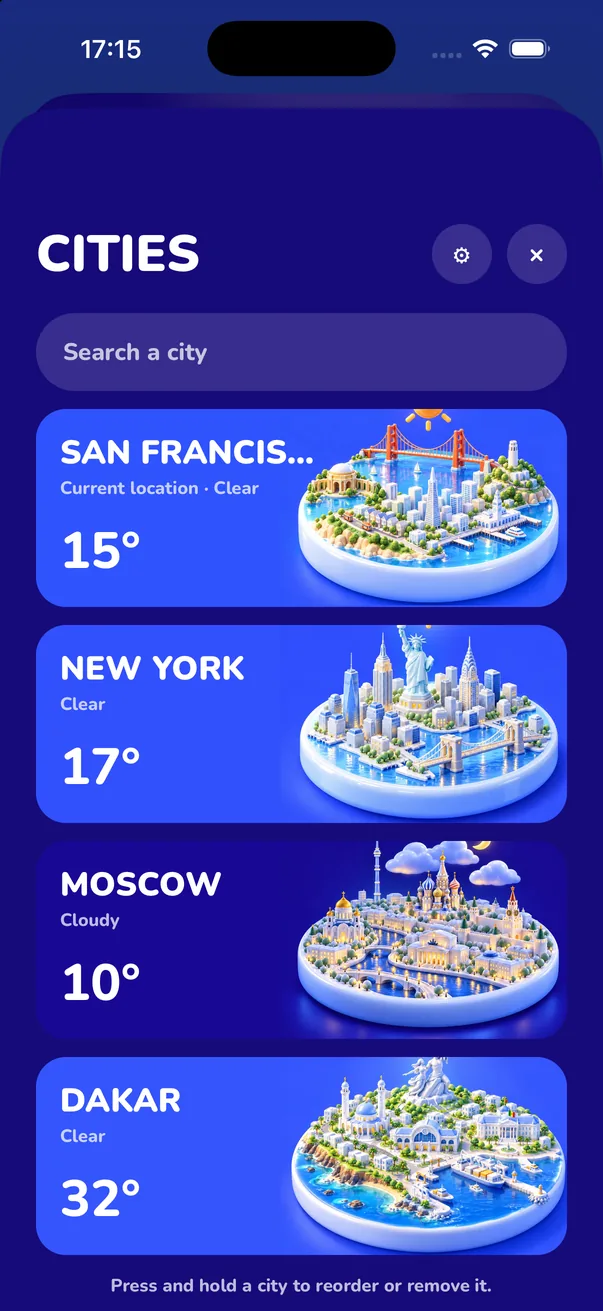
First visit to a new city? A city that hasn't been painted in your style yet takes a moment. The app shows a placeholder in your style's colors while it paints, and after that it loads instantly.
The diorama styles
- Model-maker looks: Study Model (white architectural model), Blueprint, Wireframe, Z-Depth, Normal Map
- Toy looks: Bricks, Brick Collector, Wood, Clay, Felt
- Materials: Porcelain, Marble, Gilded, Ice, Frosted Glass, Chrome, Carbon
- Illustration: Signature, Flat, Low Poly, Pixel, 16-Bit, Comic Book, Ukiyo-e, Watercolor
How to get yours
- Install Meteopolis and allow location, or search your city in Cities.
- Open Settings → Scene style and pick a diorama look.
- Long-press the scene to hide the interface and see the miniature on its own, then share it as a poster.
Quick answers
Can I see my city as an isometric diorama?
Yes. Meteopolis builds an isometric miniature of any city with its landmarks and updates it with the weather.
Does Meteopolis work for small towns?
You can search any city or town. A place that hasn't been painted in your style yet takes a moment the first time.
Try Meteopolis free
Your city as a living miniature, in 45 styles. Free to download for iPhone and iPad.